
Google Voice, as a real desktop app.
GVoicePlus keeps Google Voice in its own window with a tray icon, unread badge and notifications you can reply to. Then it lets you change how it looks and what shows.
Free, with the source on GitHub. Unofficial, not made by Google.
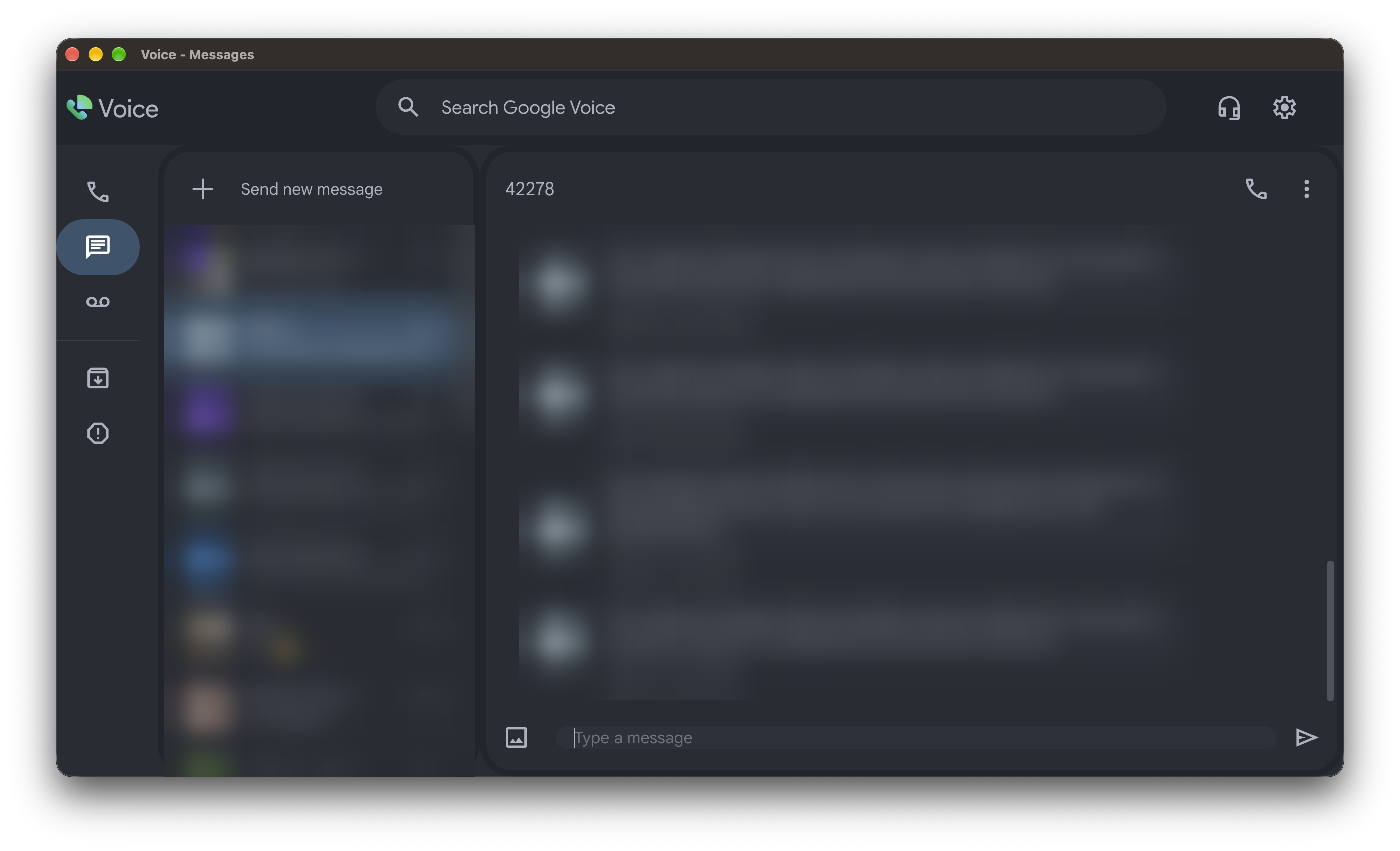
Messages and contacts are blurred for privacy.
Features
Everything Google Voice is missing on the desktop
You still sign in with your own Google account and use the normal Google Voice website. GVoicePlus adds the parts around it.
Themes
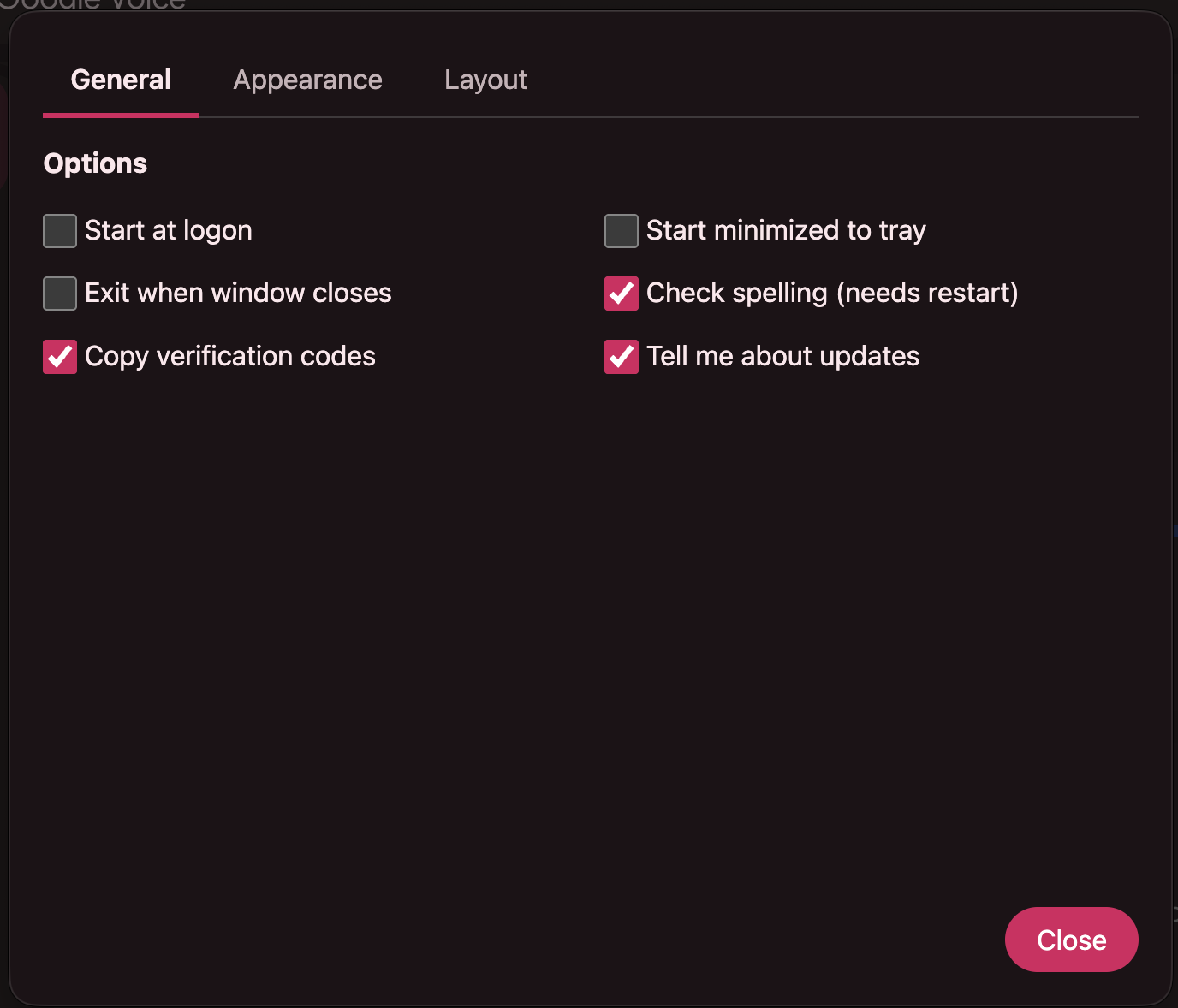
Material-style colors in Dark and Light, plus classic themes like Dracula, Solar, Minty, Cerulean and DarkPlus.
App icons
13 colors of one speech-bubble icon, or use your own image (PNG, JPG or .icns).
Zoom
Set a zoom level in Settings, or use the usual keys (Cmd or Ctrl with +, - and 0). The box follows the keys.
Your top bar
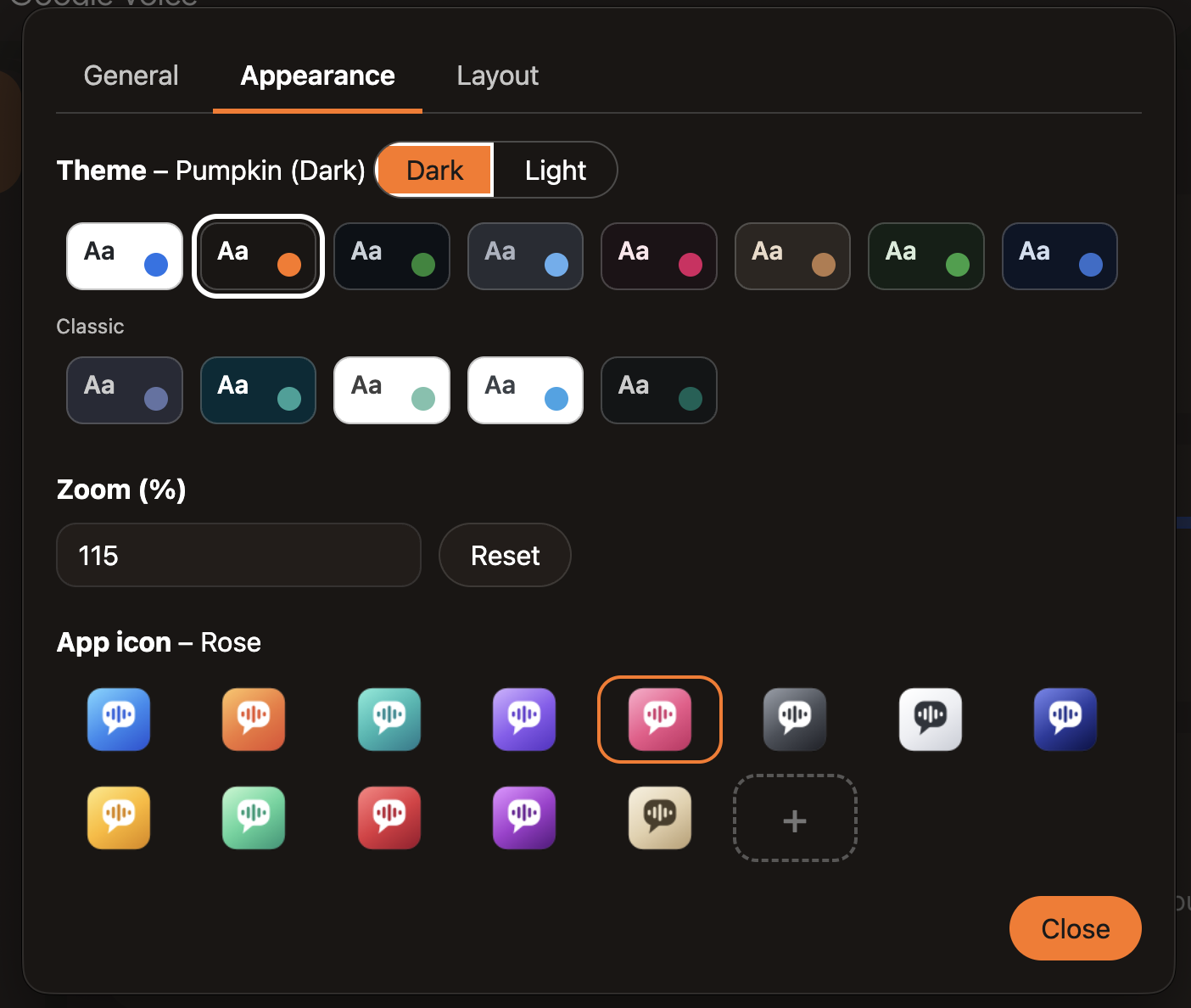
Click a picture of Google Voice's top bar to hide or show its items: menu, search, status, Upgrade, help, apps and more.
Sidebars on your terms
Hide the dialer sidebar, or collapse the main sidebar and have it reappear when you hover.
Reply from notifications
Answer a text straight from its notification without switching windows. Works on Mac and Windows.
Verification codes
Mac only. Copies a 4 to 8 digit code from a text to your clipboard. For codes of 6 or more digits it also marks the thread read. Off until you turn it on.
Images
Paste or drag and drop images into a message.
Stays out of the way
Start at logon, start minimized to the tray, exit on close if you want, and spell checking.
Appearance
Make it look like yours
Pick a theme, flip between Dark and Light, and choose the icon that sits in your dock or taskbar.
- Material-style and classic themes, each with its own accent color
- 13 app icon colors, or your own image
- A zoom box that matches the keyboard shortcuts
Layout
Show only what you use
Google Voice has a lot of chrome. Click an item in the top bar picture to hide it, and click again to bring it back. Show all resets everything.
- Hide the menu, search, status, Upgrade, help, apps and account
- Hide the dialer sidebar
- Collapse the main sidebar, and optionally show it again on hover
General
Set it up once
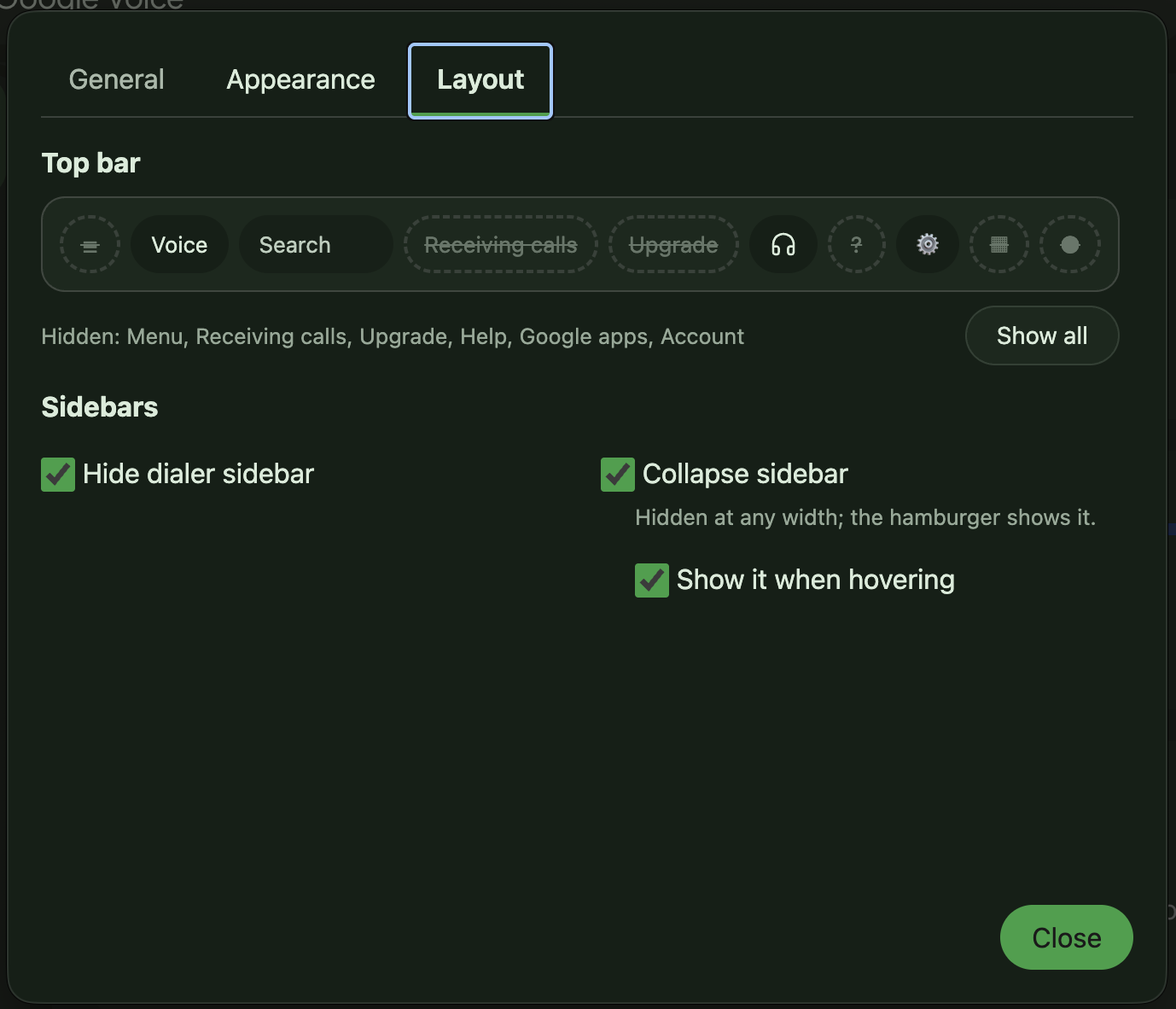
A short list of options covers how the app starts, how it closes and what it does with the texts you receive.
- Start at logon, start minimized to the tray, exit when the window closes
- Spell check (needs a restart)
- Copy verification codes (Mac only)
- Tell me about updates, which only notifies and never installs
Light and dark
Match your desktop
The Material-style themes come in both Dark and Light.
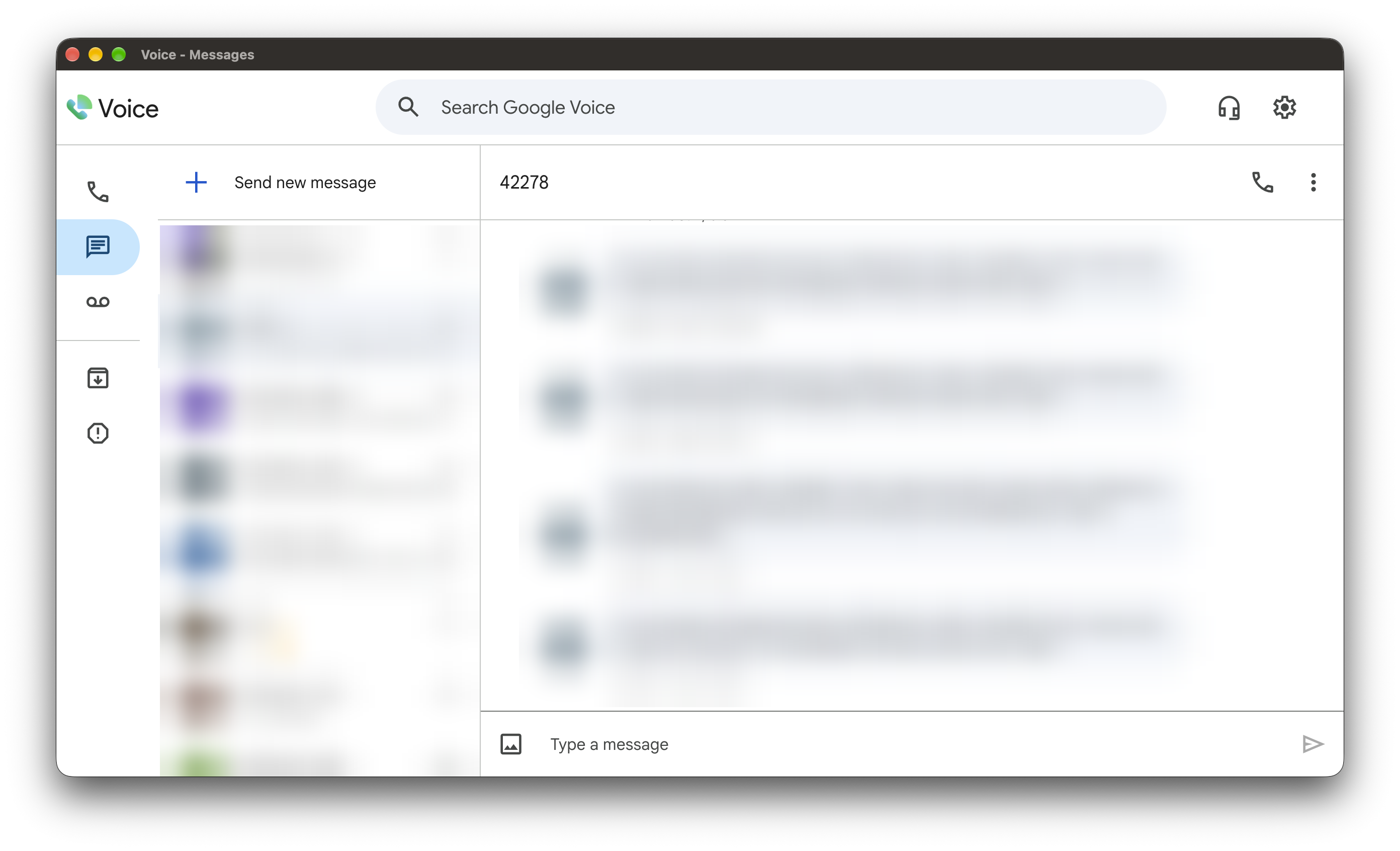
Screenshots
Take a closer look
Use the arrows or your left and right arrow keys. Click a screenshot to see it full size.
Download
Get GVoicePlus 1.0.0
Pick your platform. Downloads are on the GitHub Releases page.
Apple Silicon. Download the .dmg or the .zip. This is the best tested version.
64-bit installer (GVoicePlus-Setup-1.0.0-x64.exe). It works in a virtual machine and has not been tried on a physical PC yet.
No download, and not officially tested. Reply from notifications is not expected to work, and GNOME may need an AppIndicator extension for the tray icon.
See how to buildFirst launch
The apps are not code signed, so macOS and Windows both show a warning the first time.
- Mac: drag GVoicePlus into Applications. Then run this once in Terminal and open the app.
xattr -dr com.apple.quarantine "/Applications/GVoicePlus.app"
- Windows: run the installer. When SmartScreen warns you, click More info, then Run anyway.
Privacy
Your account stays yours
Your sign-in and settings are stored on your computer. Besides Google Voice itself, the only network request GVoicePlus adds is the optional update check, which asks GitHub for the latest release of this project. It tells you when a new version exists and never installs anything.